
See your days
turn green.
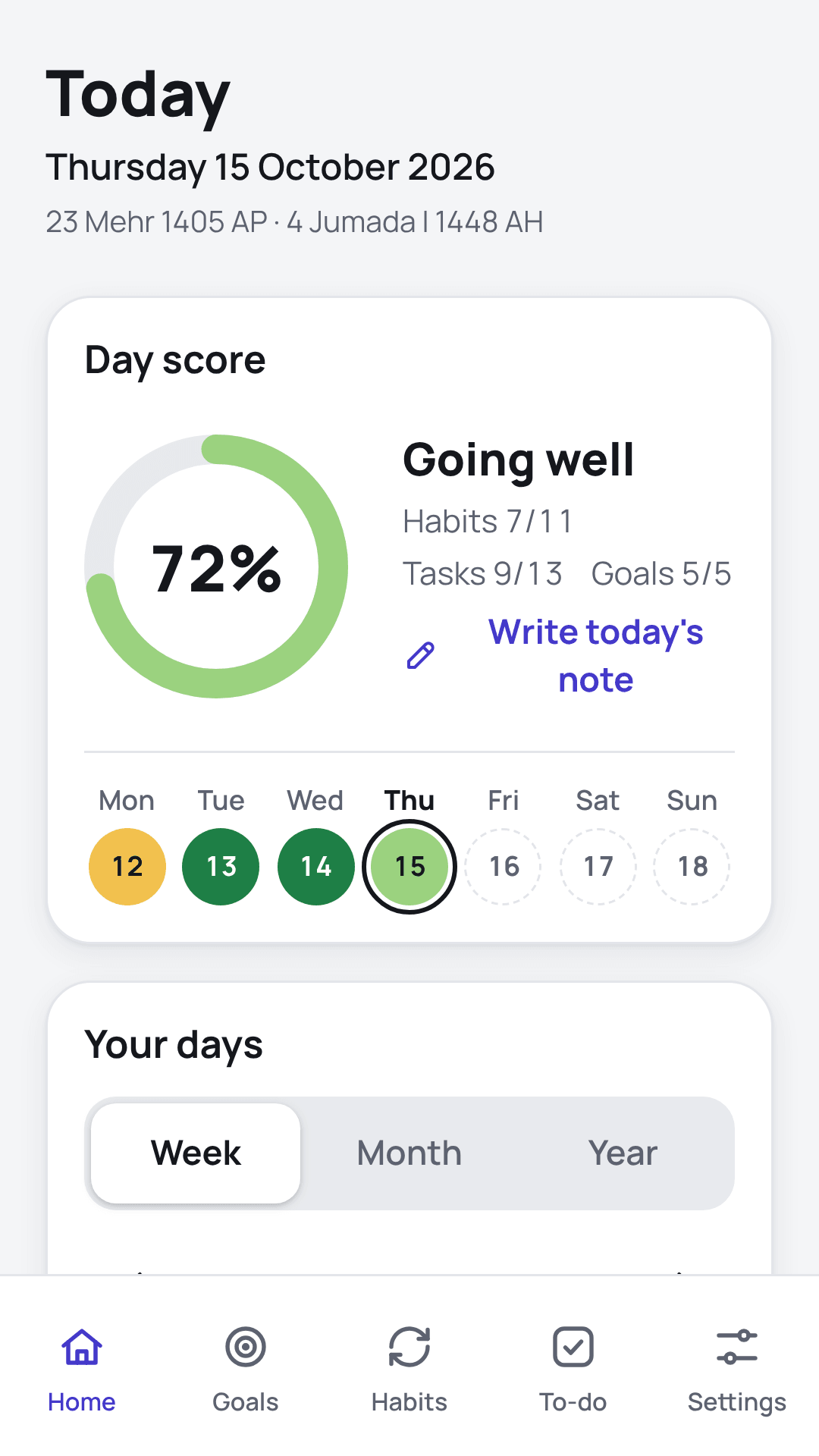
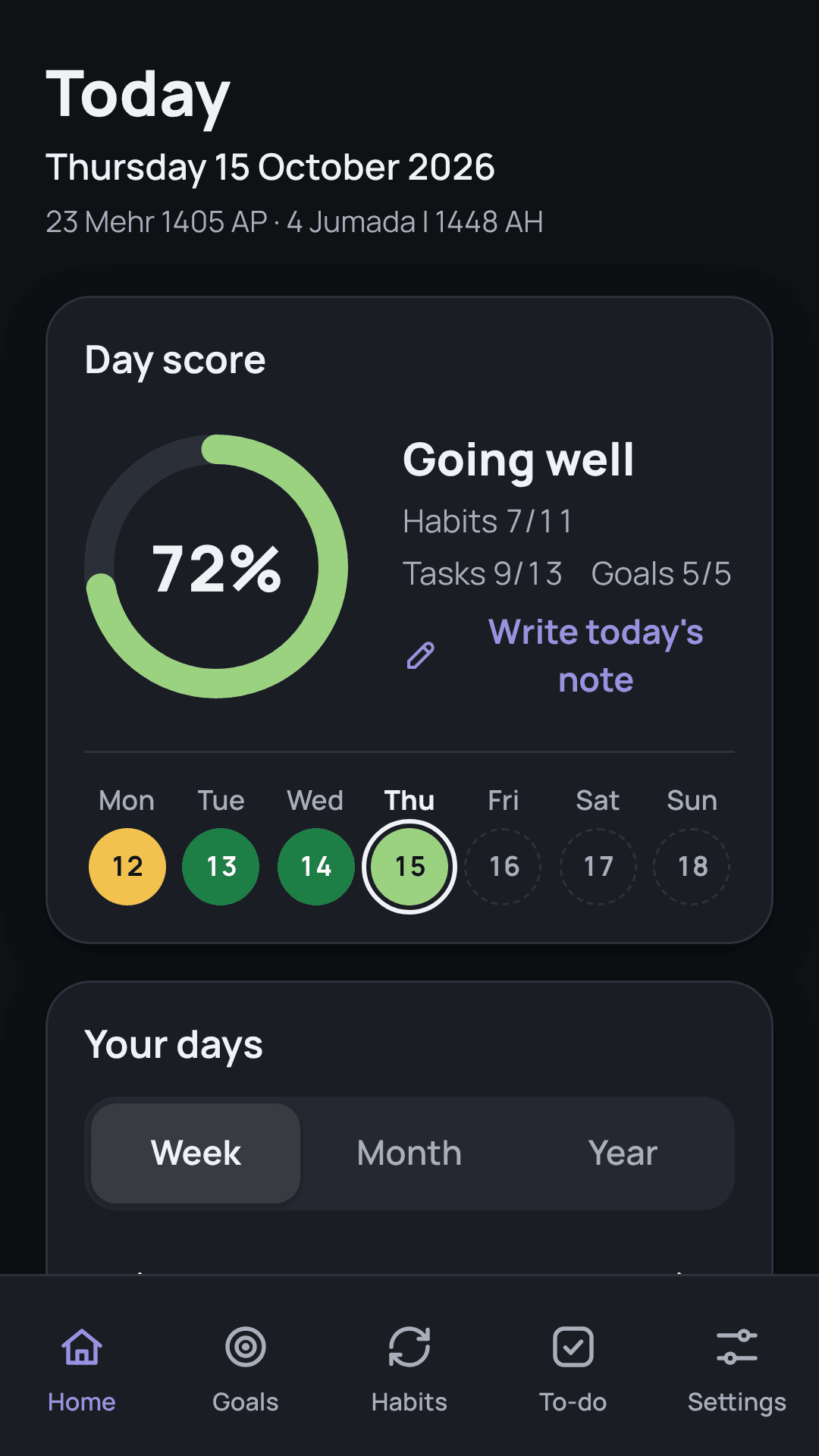
Sprout is a calm planner for your goals, habits and to-dos. Every day gets a score, and the score becomes a colour, so you can see your rhythm at a glance.
Set what matters
Goals, habits and tasks, each with a weight you choose, so heavy things count more.
Tick things off
Check off habits, finish steps, clear your list. Reminders arrive on time.
Watch the colour
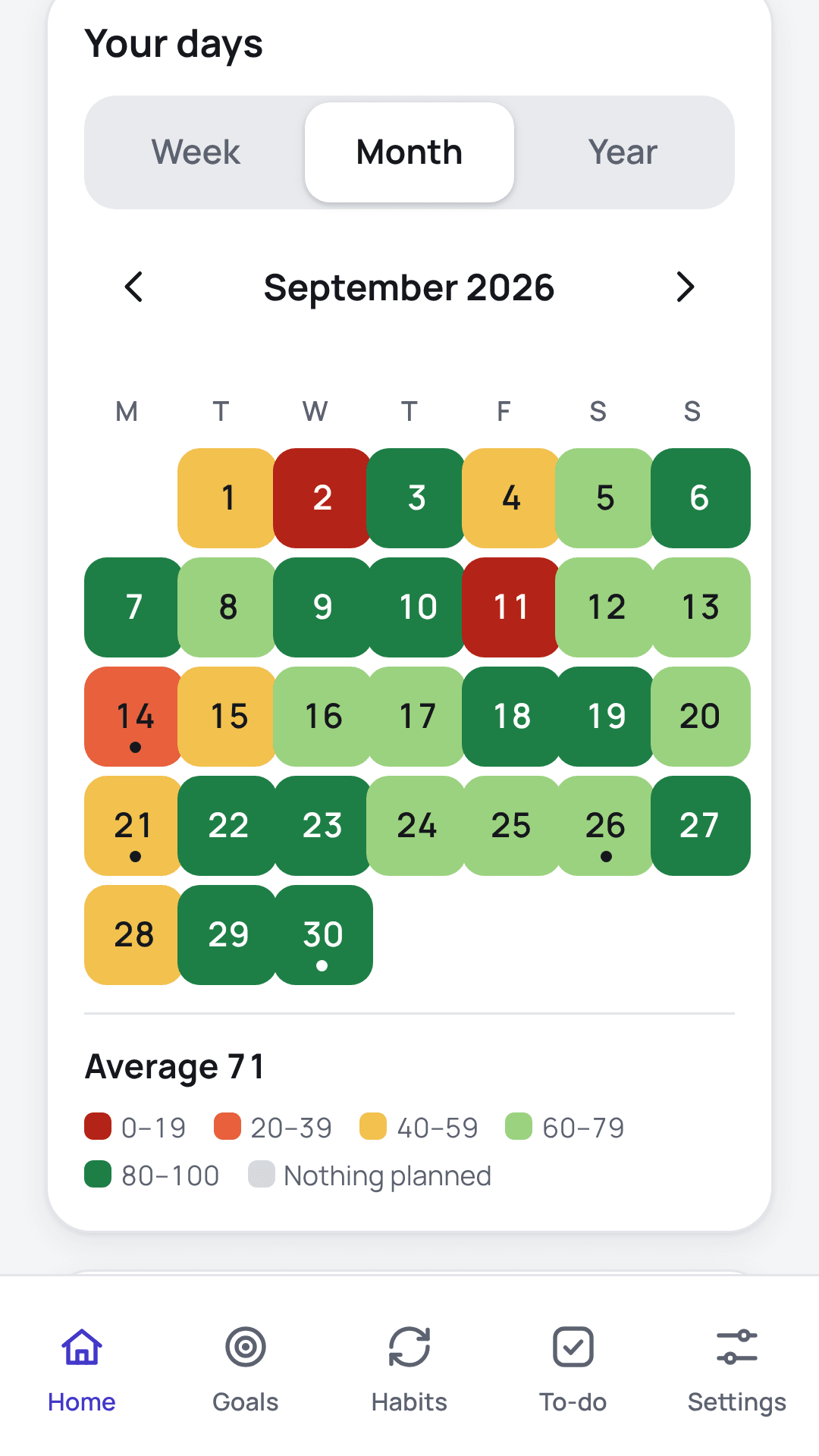
Each day turns from red to green. Days with nothing planned stay grey and never count against you.
Your rhythm, in colour.
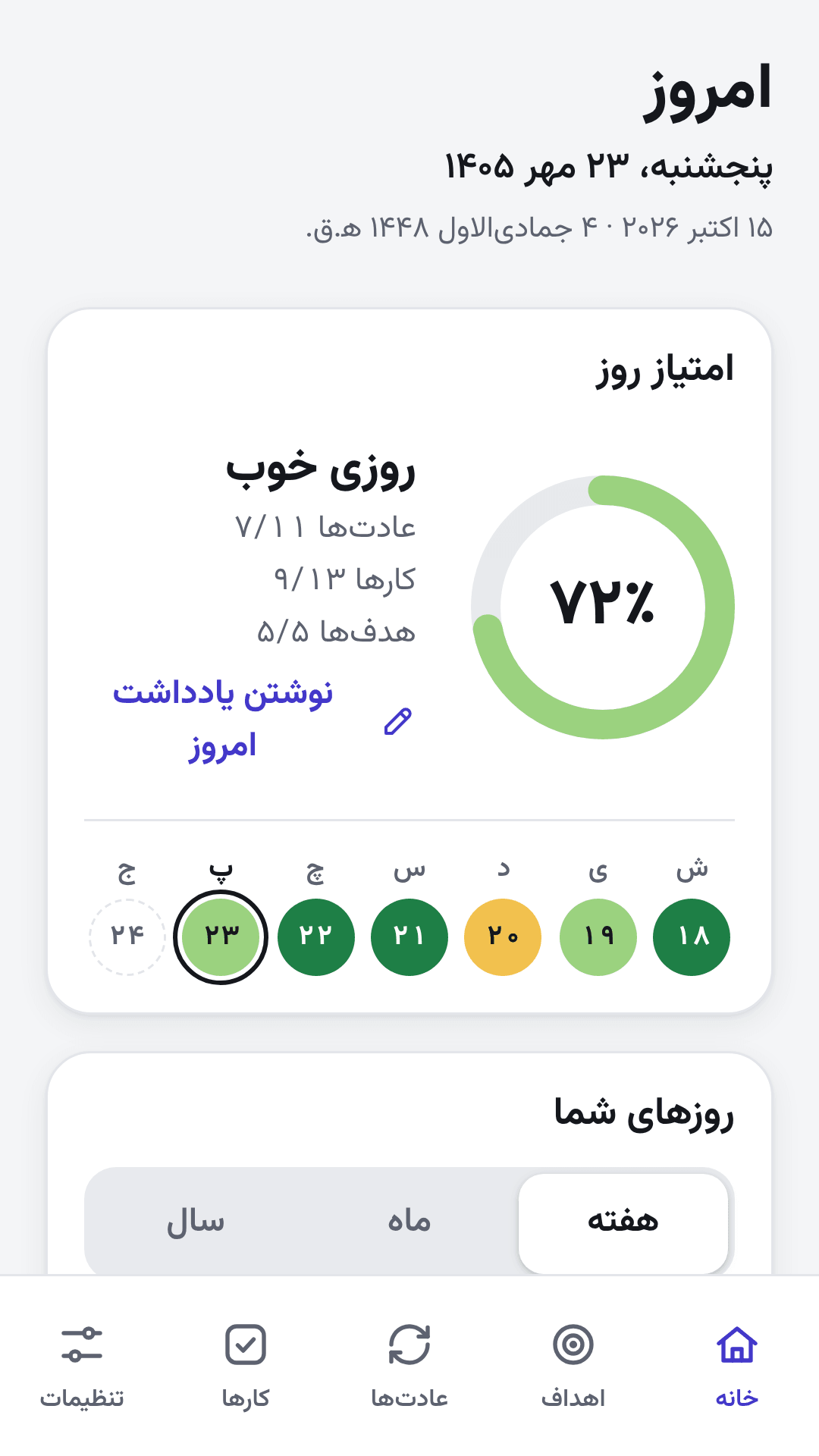
Home shows today’s score and a heat calendar for the week, the month and the year.
- Tap any day to see what its score is made of.
- Write a short diary note for the day.
Big goals, in steps that count.
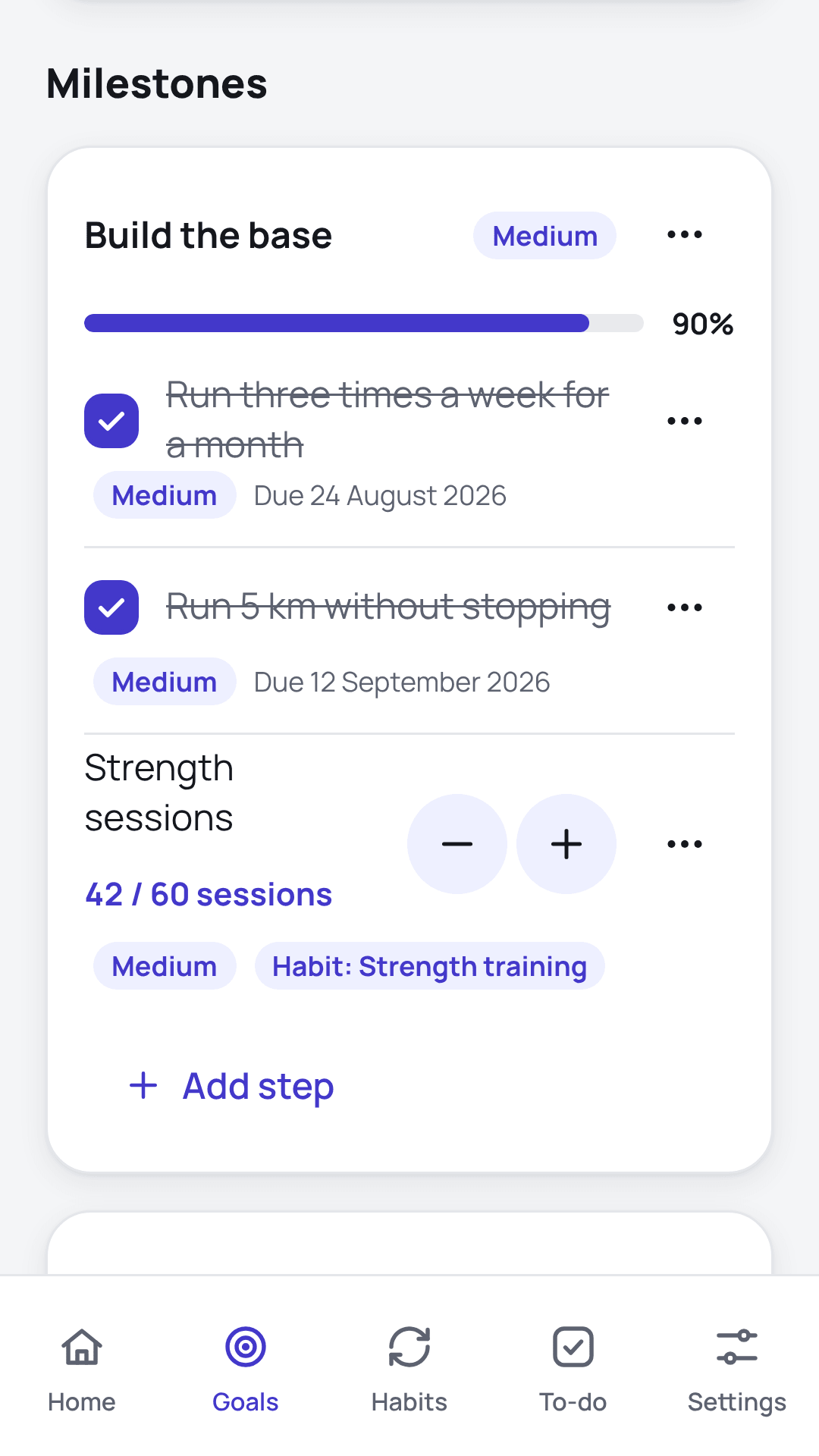
Break a goal into milestones and steps, and give each one a weight, so progress follows what matters most.
- A step can be a tick or a count: pages, sessions, lessons.
- Link a habit to a step and your daily effort moves the goal.
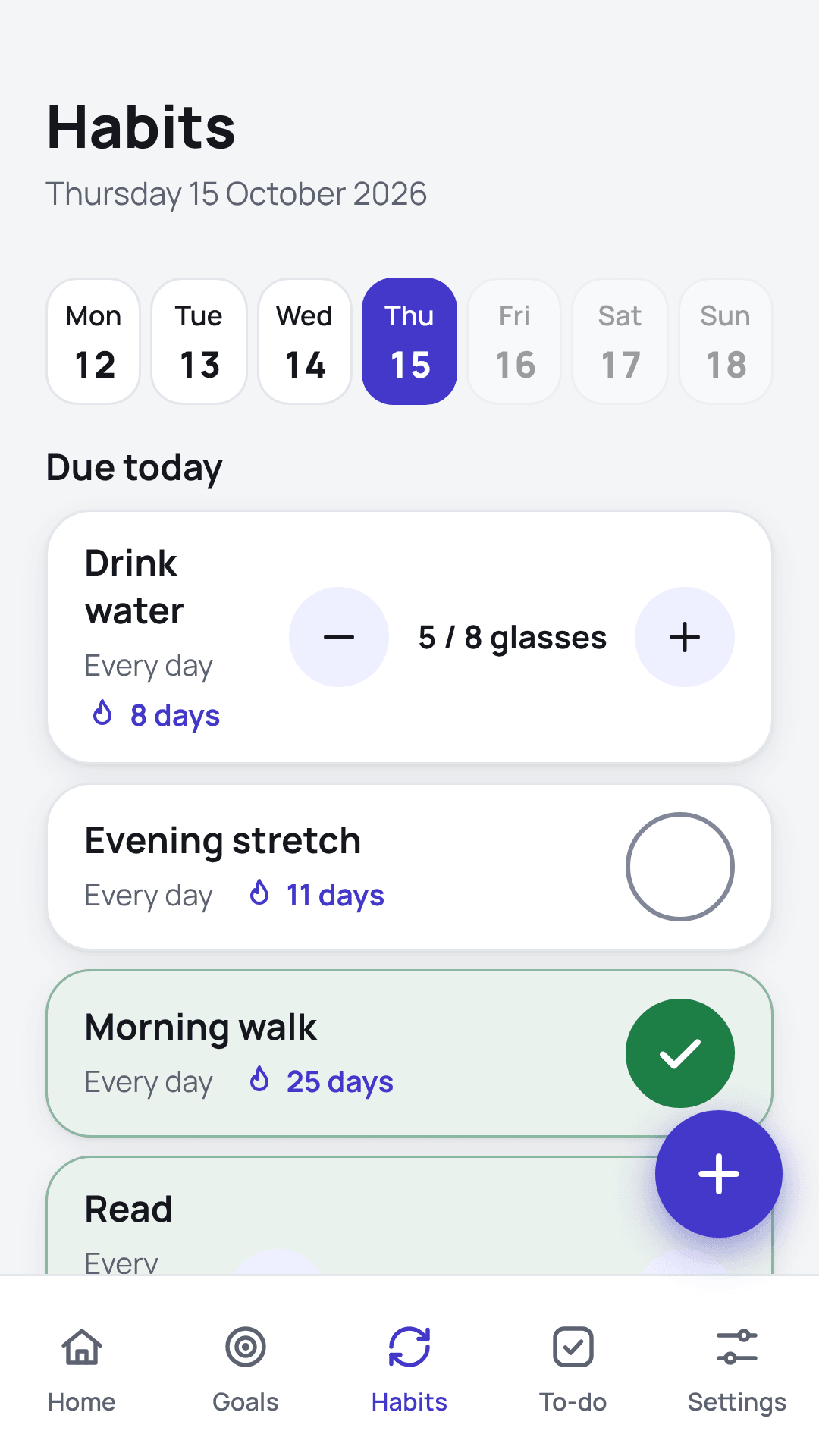
Habits that fit real life.
Every day, every few days, on chosen weekdays, or a number of times a week. Tick it off or log an amount.
- Forgiving rules for missed days.
- Reminder times that arrive on time.
Nothing slips through.
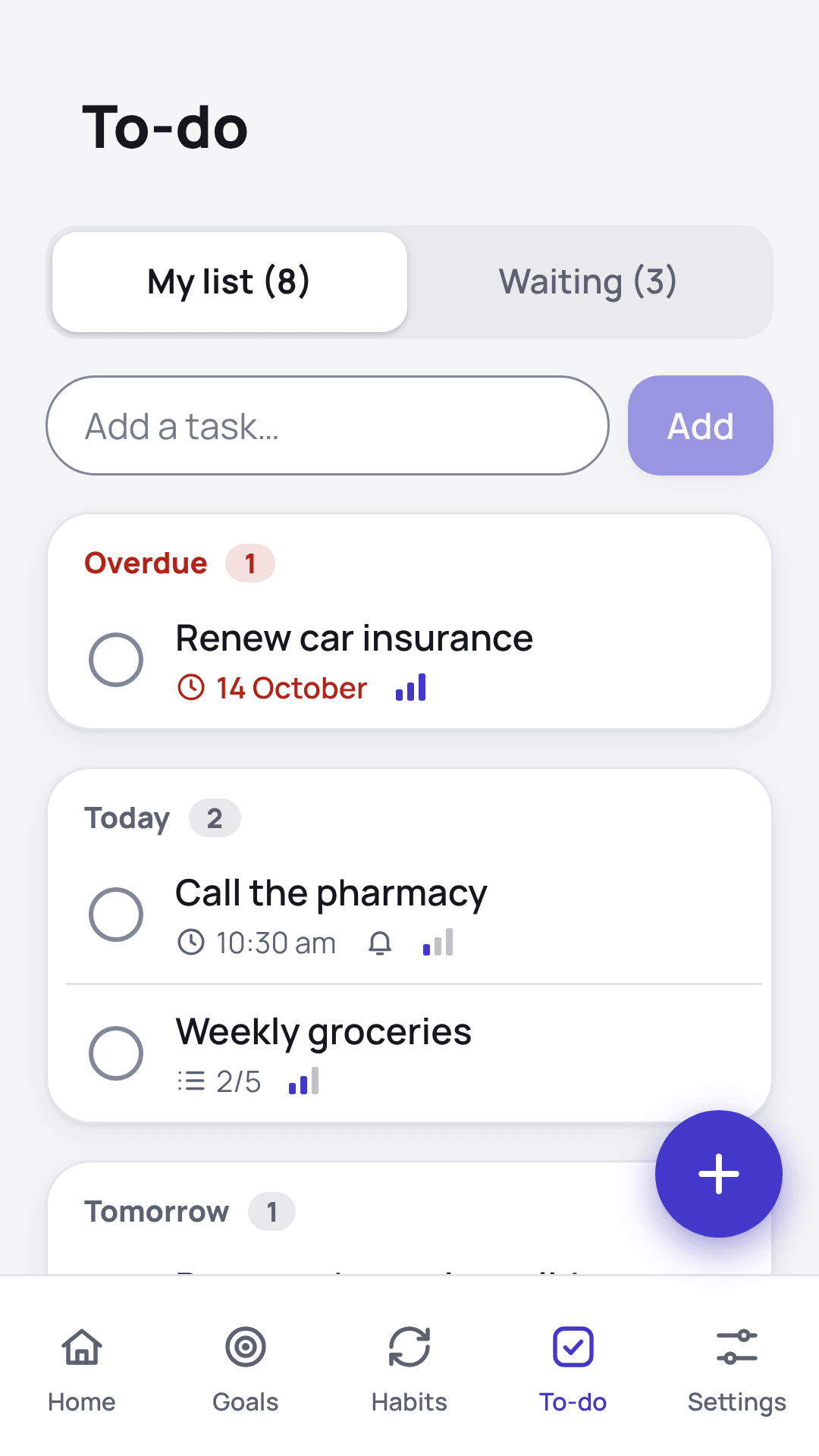
Tasks with deadlines, weights, checklists, repeats and reminders, plus a Waiting list for whatever depends on someone else.
- Follow-up dates for things you are waiting on.
- Checklists for shopping and packing.
Four languages, three calendars.
Persian and Arabic get a full right-to-left layout, not a mirrored afterthought. Pick your main calendar; the others show as small dates.
Your plans stay yours.
Your plans live on your device and Sprout works fully without an account. If you want them on more than one phone, you can sign in to sync: your data is then kept for you in the cloud, encrypted, used for nothing else, and deletable at any time.
Growing with you.
Questions
Does Sprout need the internet?
No. Everything works offline, and nothing you enter is sent to us.
Where is my data stored?
On your device. Without an account, Sprout sends nothing anywhere and we never receive your data. If you sign in to sync between your phones, a copy is kept for you with our cloud provider (encrypted in transit and at rest) and you can delete your account in the app or at account/delete.html. You can also export a backup file and keep it wherever you like. On Android, if Google backup is turned on in your phone, Android also keeps an encrypted copy in your Google account, and Sprout comes back with your plans when you reinstall it. Without a backup, uninstalling the app removes your data.
How do I back up or move my data?
Open Settings, then Your data, and tap Export backup. Save the file to Drive, Files, email or anywhere else. On a new phone or after reinstalling, open Settings, tap Import backup and choose the file. Importing replaces what is in Sprout at that moment.
Will it sync between my phone and computer?
Not yet. Sync across devices is planned for a later version.
Is there an iPhone app?
Not yet. You can use Sprout in your iPhone’s browser today and add it to your Home Screen; an App Store version is planned.
My reminders arrive late on Android. What can I do?
On Android 12 and later, allow “Alarms & reminders” for Sprout in your phone’s settings so reminders arrive on time.